
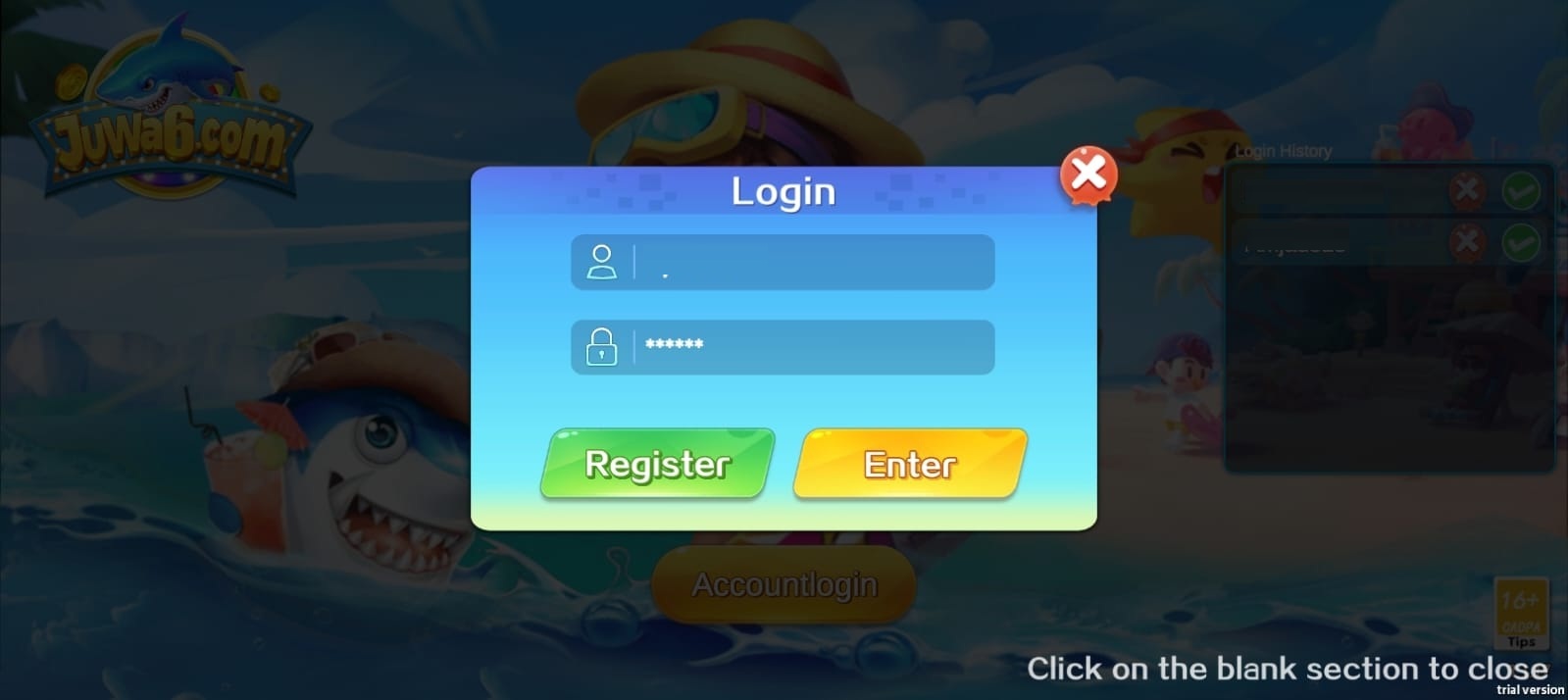
The Juwa6 login page is where existing users begin accessing their accounts. When you want to sign in, the most useful information is straightforward: where to enter your details, what to check before submitting them, and how to respond if access fails.
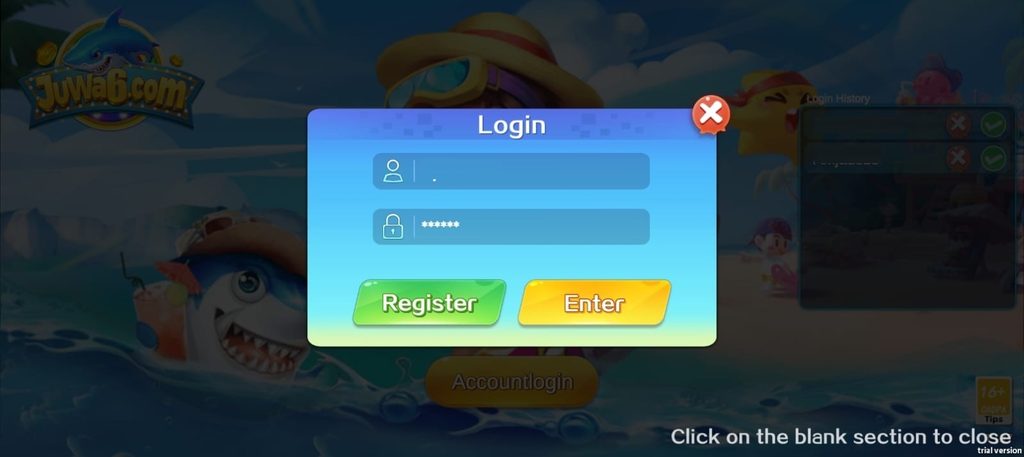
This guide explains the login process in clear steps and provides practical help for common account access problems. It also covers password protection and safe recovery practices so you can approach sign-in requests carefully. Before continuing, make sure you meet the applicable age requirements and are permitted to use the service in your location. Always use a verified access point.
How to Juwa6 Login:
Here are complete steps to login to the application
Open Your Verified Login Page:
Begin with the Juwa6 login destination associated with your existing account. Check the address carefully before entering any information, particularly if you arrived through a message, advertisement, or search result.
Avoid pages with misspelled names, unexpected redirects, or browser security warnings. If you are unsure whether a destination is genuine, confirm it through an independently verified support channel. Do not enter your password simply because a page looks familiar.
Enter Your Account Identifier:
Find the account identification field and enter the details requested on the screen. Depending on the interface, this may be a username or another identifier assigned to your account. Follow the field label rather than assuming which information it accepts.
Check for missing characters and accidental spaces. If your device fills the field automatically, confirm that it has selected the correct saved account. An outdated autofill entry can cause an otherwise avoidable login error.
Type Your Password:
Enter the password connected to your Juwa6 account. Check your keyboard language and Caps Lock setting before submitting it. Passwords are typically case-sensitive, so a small typing difference can prevent access.
If the interface offers a password visibility control, use it only when your screen is private. Avoid copying credentials into shared notes or sending them through messages. A password manager can help you maintain a unique password without relying on memory alone.
Complete Any Required Verification:
If the login process presents an additional verification step, follow the instructions shown within the verified interface. Only enter a code when it relates to a sign-in attempt you initiated.
Treat unexpected verification messages cautiously. Never share a one-time code with someone who contacts you claiming they need it to repair your account. If a request appears unrelated to your activity, stop and check its authenticity before continuing.
Submit Your Login Details:
Select the login control and give the page time to respond. Avoid pressing it repeatedly while the request is processing. A slow connection may delay the response without indicating that your details are incorrect.
After access succeeds, confirm that the account displayed belongs to you. If anything appears unfamiliar, review available security settings and contact verified support. When you finish using your account, sign out, especially if the device is shared with another person.
Troubleshooting Juwa6 Login Issues:
Conclusion:
Juwa6 login is easier to manage when you check the access destination, enter your details carefully, and follow the instructions displayed on your screen. Protect your credentials, investigate unfamiliar requests, and use verified assistance when troubleshooting does not resolve the problem. A careful sign-in routine helps you maintain control over your account and avoid unnecessary access difficulties.
FAQs:
Use your existing account identifier and password. Follow the login field labels to determine which identifier the interface requires.
Use the available password recovery feature. If none appears, contact verified support for account-specific recovery instructions.
Check for typing errors in your Juwa6 login, outdated saved passwords, and extra spaces. Account restrictions or service issues may also prevent access.
Save credentials only on a personal, protected device. Avoid storing passwords on shared computers or devices outside your control.